Review·data privacy security·Updated July 2026·5 min read
1Password Review 2026: SMB Team Fit, Permissions, and Total Cost
1Password offers a fixed-price Teams Starter Pack for up to 10 users and a per-user Business plan with broader identity and administration features. The right choice depends on team size, vault structure, identity-provider requirements, and budget.
Most 1Password reviews focus on personal password storage and autofill. Business buyers also need to evaluate onboarding and offboarding, shared vault design, role-based access, identity-provider integrations, reporting, and developer tooling.
1Password currently positions Teams Starter Pack for groups of up to 10 users and Business for organizations that need per-user licensing and additional identity integrations. That creates a clear decision point for growing teams.
Permissions can be assigned by employee, group, and vault, with multiple actions controlled inside each vault. Teams with complex client or project boundaries should model their real access structure before purchase rather than assuming every exception maps cleanly.
This review uses 1Password's public product, support, and pricing information. It does not claim a Purple Orange rollout, client deployment, or measured adoption result.
What works
Apps and browser extensions across major platforms
Role-based sharing through groups and vaults
Watchtower security alerts and administration dashboard
Identity-provider integrations on Business
CLI and developer tooling for secrets workflows
What doesn’t
Business costs $8.99 per user monthly on annual billing
Complex access models require careful group and vault design
No free tier for business use unlike Bitwarden
Onboarding process creates friction for non-technical users
Advertisement
Pricing and Plans in 2026
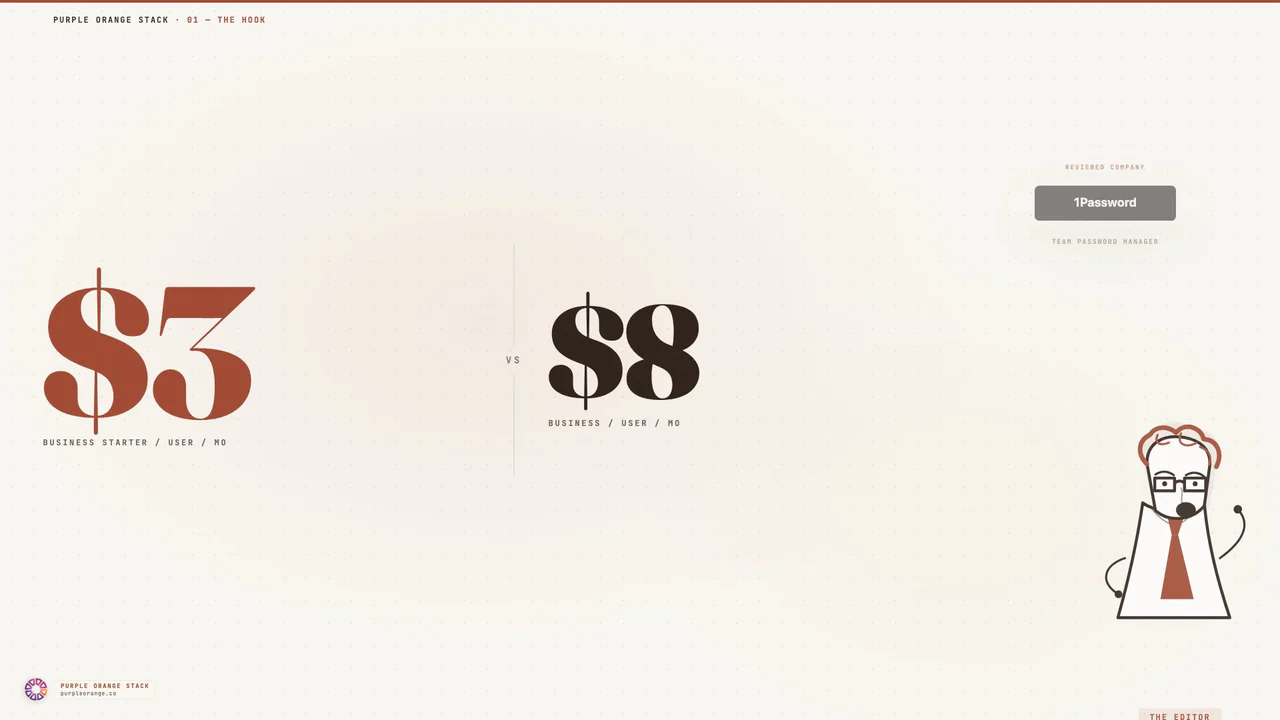
1Password currently publishes a Teams Starter Pack at $24.95 per month for up to 10 users when paid annually. Business is $8.99 per user per month on annual billing. Both offer a 14-day trial.
At published rates, Business costs about $1,079 per year for 10 seats, $2,697 for 25, and $5,394 for 50 before taxes, add-ons, or negotiated terms. The fixed-price Starter Pack is materially cheaper for a qualifying team of 10 or fewer.
Business adds broader identity-provider integrations and administration capabilities. Compare the required features before extrapolating seat cost; the cheapest plan is not a saving if it omits a control the organization needs.
Team Access Design
Business password management depends on access architecture as much as encryption. 1Password lets admins organize people into groups, grant access by vault, and control multiple actions within those vaults.
A consultancy, for example, can separate internal credentials from client-project vaults and assign groups to each. The design challenge is deciding when to create a new vault, how to handle exceptions, and who owns periodic access reviews.
Before rollout, model onboarding, role changes, offboarding, lost devices, guests, and emergency access. A trial with representative roles will reveal whether the planned group and vault structure is maintainable.
Security and Compliance Features
1Password documents a zero-knowledge architecture, a Secret Key in addition to the account password, Watchtower alerts, and role-based controls. Travel Mode can remove selected vaults from devices during travel.
Business buyers should map required audit, identity, event, and compliance controls to the exact plan. Enterprise pricing and terms are custom, so do not estimate them from an unrelated seat tier.
Security evaluation should also cover recovery, device loss, offboarding, exports, external sharing, and administrator access. Product features support the process; they do not replace a documented access policy.
Integration and API Quality
1Password publishes CLI and developer tooling for secrets workflows alongside its desktop, mobile, and browser apps. Development teams should test the exact CLI, service-account, CI/CD, and environment-variable path they intend to use.
Business lists integrations with identity providers including Okta, Entra ID, OneLogin, and Duo. Confirm provisioning, deprovisioning, group mapping, and sign-in requirements with the chosen provider before rollout.
Browser and app usability still matters because adoption determines whether credentials remain in the managed system. Use the trial on the organization's actual browsers, operating systems, and representative login flows.
Alternatives for SMB Teams
Bitwarden is the most direct value comparison for teams that prioritize open-source options, self-hosting possibilities, or lower published seat pricing. Compare current SSO, directory, event-log, support, and hosting terms rather than relying on an old price snapshot.
Dashlane is another managed alternative with business administration and credential-health features. Its current plans and packaging should be checked at purchase time.
For organizations of 10 or fewer users, compare 1Password's Teams Starter Pack with Business first. Personal or family plans are not substitutes when the company needs centralized administration, offboarding, and business ownership of credentials.
Research desk · verified pricingCaptured June 2026
1Password is a strong candidate for SMBs that value cross-platform apps, role-based vault sharing, Watchtower, identity integrations, and developer tooling. The Teams Starter Pack is the clear first comparison for groups of 10 or fewer; larger teams should model Business at the published per-user rate.
Bitwarden deserves comparison when cost, self-hosting, or open-source posture matters. Whichever product remains, test the actual vault structure, onboarding, offboarding, recovery, identity integration, and device mix before committing.
Answered by The Editor, with notes from Atlas and Roxy.
Does 1Password work well for small teams under 10 users?
The Teams Starter Pack is designed for up to 10 users and includes shared vaults, role-based permissions, security alerts, and developer tools. Compare Business when the team needs more users or broader identity and administration features.
How does 1Password compare to free alternatives like Bitwarden?
1Password emphasizes polished cross-platform apps, autofill, Watchtower, and business administration. Bitwarden is a common value comparison, but buyers should verify current pricing, SSO access, hosting options, permissions, and support directly rather than choosing on interface alone.
What's the real cost for a 25-person team with SSO?
At the current published annual rate of $8.99 per user per month, 25 Business seats total about $2,697 per year before taxes, add-ons, or negotiated terms. Business includes integrations with providers such as Okta, Entra ID, OneLogin, and Duo.
Can 1Password handle complex permission structures for client work?
1Password supports permissions by employee, group, and vault, including multiple actions such as creation, editing, export, sharing, and history access. Teams that require item-specific exceptions should validate the proposed vault structure during the trial.
How difficult is 1Password deployment for remote teams?
Deployment effort depends on identity setup, groups, vault design, device policy, imports, and user training. Use the trial to test onboarding and offboarding with a representative group before setting a wider rollout schedule.
Does 1Password integrate well with development workflows?
1Password publishes a CLI and developer tooling for secrets workflows. Development teams should test the exact service-account, CI/CD, shell, and environment-variable path they intend to use before standardizing on it.
Analytics run in a privacy-safe, cookieless mode by default. Accept to enable
full analytics and personalized ads, which helps keep this research free. See our Privacy Policy.